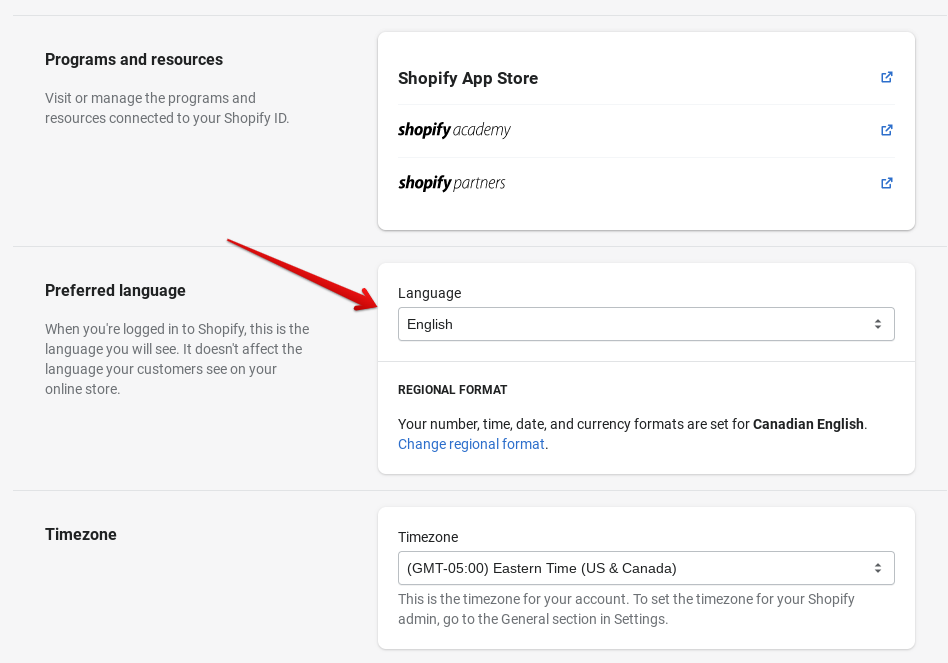
_1782112946.png)
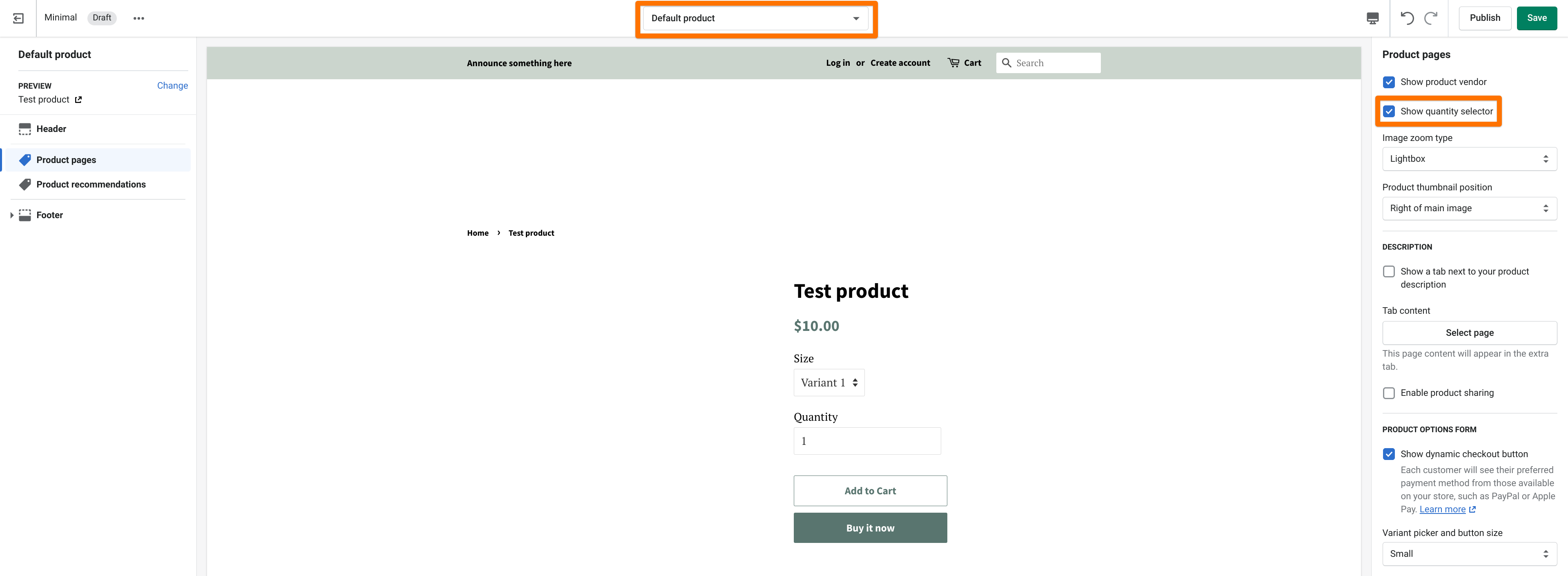
|
Content Type |
Translation Status |
|
Products, collections, pages, blog posts |
Translatable |
|
Checkout and policies |
Translatable |
|
Collection filters |
Not translatable |
|
Shopify Forms content |
Not translatable |
|
Manual payment method instructions |
Not translatable |
|
Product images (as content) |
Not translatable (but can be localized) |
|
Tags |
Not translatable |
|
URL word "products" or "collections" |
Not translatable |
Shopify
How to Set Your Store's Language and Region on Shopify
 12 Jul 2026
 10 Min Read
Atul leads marketing at GoKwik, championing D2C brand building, growth strategies, scalable GTM for e-commerce, and data-driven customer acquisition. A former Amazon leader and IIFT MBA alumnus based in Bengaluru, he brings 15+ years scaling business across e-commerce, and fintech.